PandaDoc Pricing 2026: Plans & Is It Good for Small Business?
PandaDoc pricing in 2026 explained — plan tiers, seat costs, document limits — plus a direct answer: is PandaDoc good for small business document signing?
Why PandaDoc pricing confuses buyers in 2026
PandaDoc pricing in 2026 is typically ~$25–35 USD per user/month on Essentials-style plans and ~$45–55 USD per user/month on Business (annual, directional — confirm live). Document quotas and seat minimums change the real bill more than the headline rate.
If you searched "PandaDoc pricing" or "is PandaDoc good for small business document signing," you want two answers: what it costs, and whether a proposal platform is worth it when you mainly need signatures. This guide answers both.
Prices and plan names change often. Every figure below is directional — confirm current tiers on PandaDoc's pricing page before you buy, especially if you need API access, payment blocks, or CRM integrations that sit on upper plans.
The one-sentence summary
PandaDoc is priced like a sales document platform, not a bare e-signature tool — expect mid-market per-user fees and document limits even when you only send simple agreements.
It is a strong fit when proposals, pricing tables, and quote-to-sign workflows are weekly work; it is harder to justify when you sign a handful of static PDFs per month and invoice elsewhere.
Small businesses that need signing plus invoicing, payment tracking, and receipt capture often pay for PandaDoc and still subscribe to accounting or ops tools — total cost matters more than the headline per-seat rate.
Is PandaDoc good for small business document signing?
Short answer: PandaDoc is good for small business document signing when selling happens through customised proposals. It is usually not the best buy when you mainly need a signature on static PDFs.
Yes — if you send branded quotes weekly, change pricing per client, want CRM sync, or collect deposits inside the document. In that case PandaDoc pricing can pay for itself in sales velocity even for a two- or three-person team.
No (or not alone) — if your “document signing” is NDAs, contractor agreements, work orders, and the occasional service agreement on a fixed template. You will pay proposal-platform rates for signing-only work, then still need FreshBooks, Xero, or similar for invoices.
Many SMBs searching “is PandaDoc good for small business document signing” really need two answers: (1) signing quality — yes, it is mature; (2) value for money when signing is the only job — often no. Match the tool to the job, then check the pricing tiers below.
How PandaDoc plans are structured
PandaDoc historically organises plans around Essentials, Business, and Enterprise tiers — names and inclusions shift, but the pattern holds. Lower tiers cover core document creation and e-signatures with tighter document quotas. Business tiers unlock CRM integrations, advanced analytics, approval workflows, and higher send volumes. Enterprise adds custom branding controls, SSO, dedicated support, and negotiated volume.
Per-user pricing is the default model. A three-person sales team pays three seats even if one person only views completed documents. Annual contracts frequently offer a discount versus monthly billing but lock you in before you know whether reps will adopt the editor.
Document quotas are the silent budget killer. A plan that allows dozens of documents per month sounds generous until marketing sends revised proposals to every prospect in the pipeline twice. Overage fees or forced upgrades appear quickly for active sales teams.
Directional pricing in 2026
Essentials-style entry plans are commonly quoted from the high twenties to mid-thirties USD per user per month when billed annually — often with limited documents and fewer integrations. This tier suits solo sellers testing proposal automation, not full teams with CRM sync requirements.
Business-tier list pricing typically lands in the mid-forties to fifties USD per user per month for teams that need CRM integrations, content analytics, and higher document volumes. This is where most growing SMB sales teams land once they outgrow starter quotas.
Enterprise pricing is negotiated — expect custom document bundles, SSO, advanced security reviews, and multi-year terms. If you are a five-person agency, you rarely need Enterprise on day one; if procurement mandates vendor security questionnaires, you may reach it sooner than planned.
Hidden costs beyond the per-seat line item
Payment processing fees apply when you collect deposits or balances through PandaDoc payment blocks — the platform fee is separate from Stripe or PayPal charges. Budget both if clients pay inside proposals.
Integration setup time is a real cost. Mapping CRM fields, building a product catalogue, and maintaining a content library consumes admin hours even when the subscription fee looks fixed. Under-invested libraries produce off-brand sends that reps work around in Word anyway.
Training and change management add up when non-sales staff must use the same tool for HR forms or contractor agreements. PandaDoc's editor rewards power users; occasional signers may resist logging into a system built for merchandising deals.
PandaDoc plan comparison (2026)
The table summarises how tiers differ directionally. Exact feature names and limits change — use this as a conversation starter with sales, not a contract.
| Feature | Essentials (typical) | Business (typical) | Enterprise (typical) |
|---|---|---|---|
| Typical price signal | ~$25–35 USD/user/mo (annual) | ~$45–55 USD/user/mo (annual) | Custom quote |
| Document volume | Lower quotas; overages possible | Higher quotas; scalable bundles | Negotiated volume |
| CRM integrations | Limited or add-on | HubSpot, Pipedrive, Salesforce, etc. | Full stack + custom |
| Pricing tables & catalogue | Core editor features | Advanced automation & analytics | Custom workflows |
| Approval workflows | Basic | Multi-step approvals | Enterprise routing |
| Payment collection in docs | Often available | Native blocks + reporting | Custom payment flows |
| SSO / advanced security | Not typical | Varies by plan | SSO, dedicated support |
| Invoicing after the deal | Not included | Not included | Not included |
| Best default audience | Solo sellers testing proposals | SMB sales teams quote-to-close | Mid-market & regulated buyers |
Is PandaDoc good for small business document signing?
PandaDoc is good for small businesses whose revenue process is proposal-led — custom quotes, optional line items, branded themes, and analytics before the signature. If that describes your weekly workflow, the per-seat fee buys real velocity.
PandaDoc is harder to justify for small businesses that only need "sign this PDF" a few times per month — trades, solo consultants with fixed scopes, or service firms that negotiate in email and attach a final agreement. You pay for proposal machinery you never open.
The middle ground is common: a two-person sales team wants PandaDoc while operations and HR still need simple signatures. Seat math and document quotas then apply to the whole company unless you split tools — which reintroduces multiple subscriptions.
PandaDoc vs lighter signing alternatives (cost lens)
DocuSign, SignNow, Adobe Sign, and Dropbox Sign often undercut PandaDoc on per-seat pricing when you only need envelopes and templates without a proposal builder. Total savings depend on seats and whether you still pay for a separate quoting tool.
All-in-one ops platforms compete on a different axis: signing plus invoicing, payment status, and receipt capture under one monthly fee. The comparison is not "cheaper signatures" but "fewer apps after the deal closes."
Run a twelve-month total cost model: PandaDoc seats, document overages, payment fees, plus whatever you pay for invoicing and expense tracking elsewhere. The winner is the stack with the lowest friction, not necessarily the lowest signing line item.
Real-world scenarios for small businesses
Scenario A — Boutique agency with custom retainers: Proposals go out weekly with optional modules and deposit collection. PandaDoc Business often pays for itself in rep time saved — signing-only tools would force a separate proposal step.
Scenario B — Tradie with job sheets and monthly invoices: You need authority forms signed on site and recurring invoices until the job closes. PandaDoc handles the signature moment; invoice status and partial payments still live in Xero or another app — unless you consolidate.
Scenario C — SaaS founder with three tiered plans: Interactive pricing and CRM sync matter. Essentials may feel tight on document count; Business is the realistic floor. Watch seat count when you hire the first AE.
Scenario D — Accountant sending engagement letters: Volume is low, templates are static, compliance matters. A lighter e-signature tool may cost less per year than a single PandaDoc seat you use ten times monthly.
Negotiation and buying tips
Ask about annual discounts versus monthly flexibility — startups with uncertain headcount may prefer higher monthly cost over a locked annual seat count. Confirm whether unused seats can be reallocated when someone leaves.
Request written document quota numbers and overage pricing before signing. Sales-led vendors sometimes quote "unlimited" language that still carries fair-use caps in the terms.
Pilot with real proposals, not demo templates. Measure time from draft to signed, payment collected, and invoice raised. If the last step still happens manually in another system, PandaDoc solved only part of the problem.
Ask sales whether annual prepayment is negotiable for smaller teams — some vendors offer startup or nonprofit programmes not listed publicly. Document the quote in writing with quota numbers, not just a verbal "unlimited" assurance from a demo call.
Document quotas explained
Document quotas count sends, not seats — a common confusion. One rep sending forty revised proposals to twenty prospects can burn quota faster than five reps sending ten static agreements each. Map your pipeline rhythm before choosing Essentials versus Business.
Overage pricing varies: some plans hard-stop sends until upgrade; others bill per document. Know which model you are buying — hard stops embarrass sales mid-quarter; overages surprise finance at reconciliation.
Internal documents — HR policies, contractor NDAs — sometimes count against the same quota as revenue proposals. Clarify with sales whether internal sends are metered separately or share the pool.
Limitations worth knowing
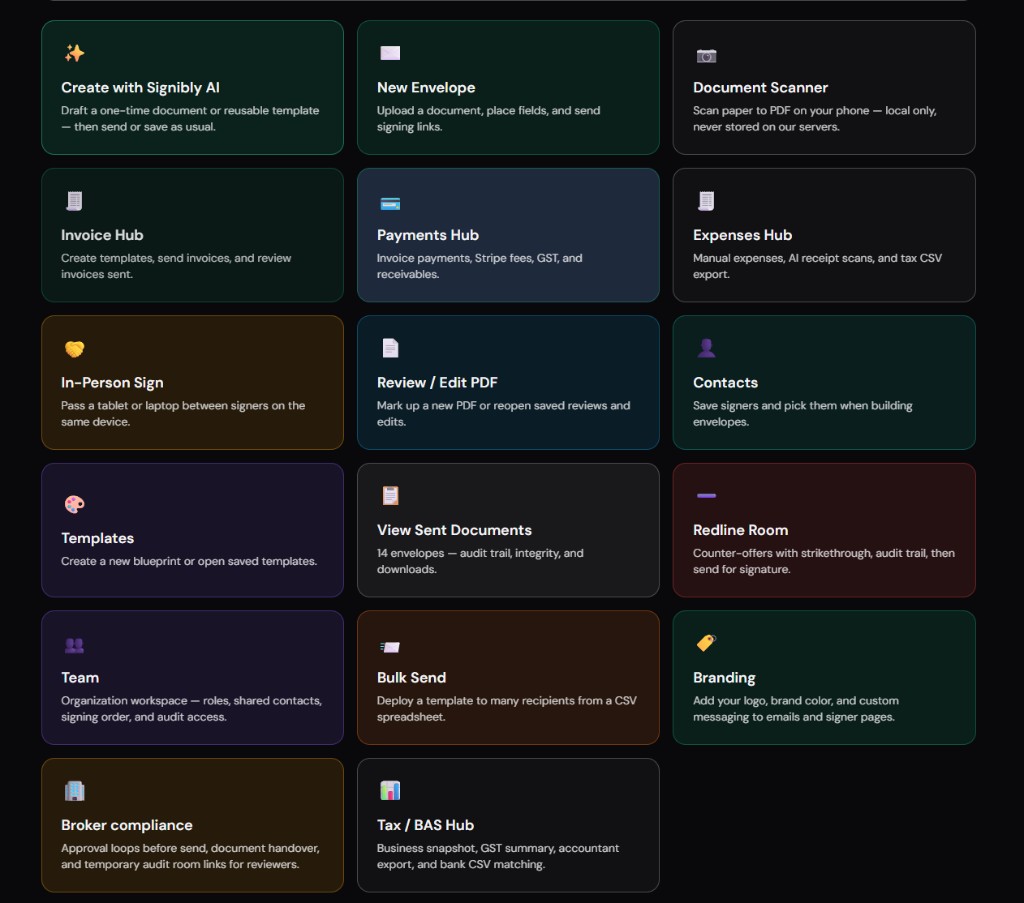
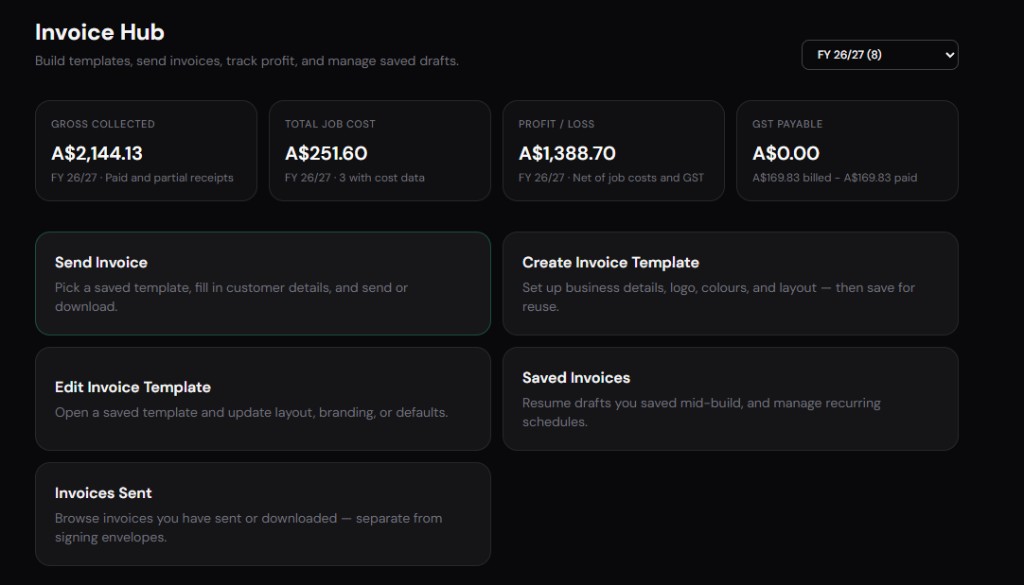
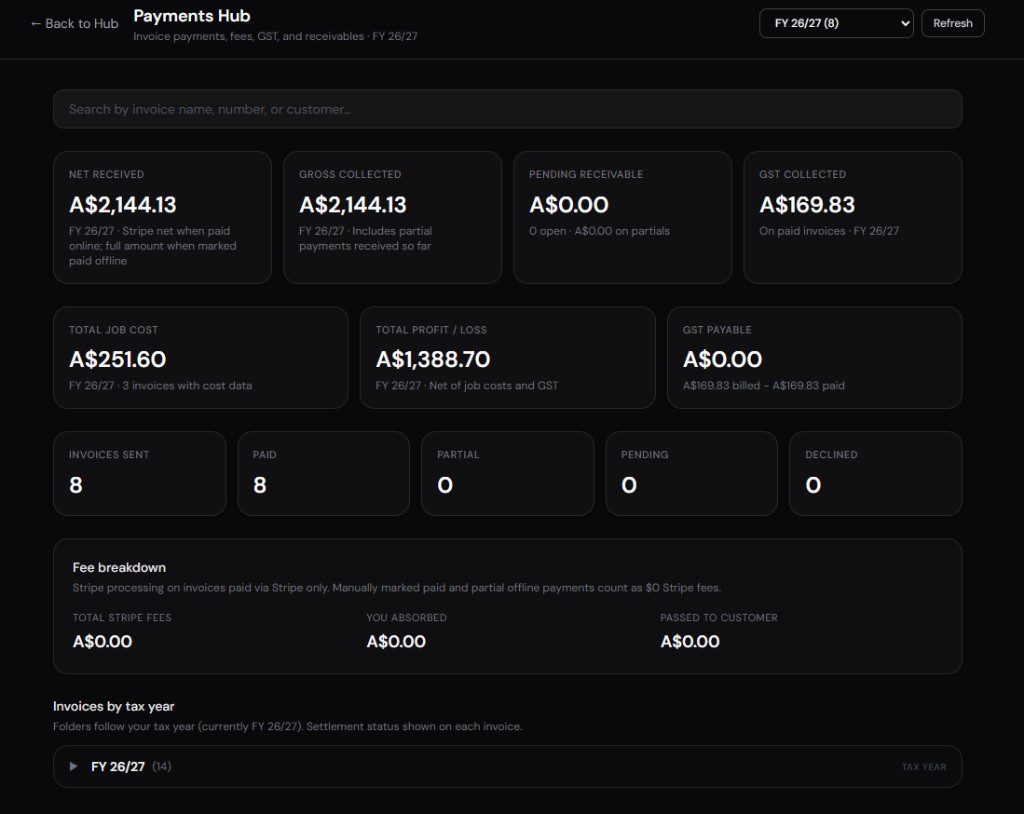
PandaDoc is not accounting software. GST-style reporting, recurring invoice schedules, aged receivables dashboards, and receipt storage for job costing require other tools — or a platform that includes Invoice Hub and Expenses Hub natively.
Document quotas and per-seat pricing punish inactive users on the same account. Finance may question why HR signs three forms monthly on a sales-priced seat.
Post-signature workflow gaps hit small businesses hardest because they lack ops staff to glue systems together. Signibly addresses part of that stack on published plans: Free at $0/mo (3 envelopes, 1 manual invoice) and Business at $10/mo AUD (local currency at checkout, roughly $6.50 USD) with unlimited envelopes and invoices under fair use, 50 AI receipt and invoice scans, Invoice Hub, Payments Hub, Expenses Hub, and Tax/BAS — worth comparing if invoicing follows every signed proposal.
Annual vs monthly billing and seat churn
Annual PandaDoc contracts trade flexibility for discount — fine when headcount is stable, painful when a rep leaves mid-year and the seat sits idle until renewal. Ask whether seats can be reassigned without penalty and whether document quotas reset monthly or annually.
Monthly billing costs more per month but preserves optionality for seasonal businesses — agencies with summer interns, trades with project-based hires, consultancies between engagements. Model both over twelve months including expected seat churn, not just the happy-path team size on day one.
Currency matters for Australian buyers: USD list prices shift with exchange rates; GST on imported SaaS may apply depending on how the vendor invoices. A stable AUD-priced ops alternative can simplify forecasting even when the per-feature comparison favours a USD proposal tool on paper.
When to downgrade from PandaDoc
Downgrade signals include: reps exporting PDFs to email instead of sending from the editor; document quota headroom above eighty percent unused for three consecutive months; finance refusing to pay for seats used only for internal HR forms; or clients consistently asking for a simpler signing link without proposal chrome.
Downgrading does not always mean cancelling — sometimes Essentials suffices after you stop customising every deal. Other times a signing-only tool plus a separate invoice hub replaces PandaDoc entirely when proposal analytics no longer drive revenue decisions.
Migration cost is real: export templates, rebuild clause libraries, and retrain signers. Schedule downgrades between busy seasons, not the week before your largest proposal push.
Compare downgrade paths to Signibly Free ($0/mo — 3 envelopes, 1 manual invoice) if you need signing light plus occasional invoicing without PandaDoc seat minimums during transition quarters.
PandaDoc for small business: decision matrix
Answer yes to three or more: proposals go out weekly; pricing varies per client; CRM sync matters; deposits collected at sign; document analytics influence follow-ups — PandaDoc pricing likely justified.
Answer yes to three or more: fewer than ten sends monthly; static PDF templates; enterprise clients mandate other signers; invoicing is equal priority to signing — evaluate lighter signers or Signibly Business at $10/mo AUD instead.
Mixed teams should split honestly: sales on PandaDoc and ops on a signing-only tool beats forcing HR through a proposal editor — but finance must accept two line items.
Revisit the matrix every six months; businesses that outgrow simple signing often grow into PandaDoc, and businesses that stop custom quoting often outgrow PandaDoc pricing.
Share the matrix with finance before sales starts a trial — avoids surprise credit card charges when reps fall in love with proposal analytics during a fourteen-day demo window.
Which should you choose?
Choose PandaDoc Business (or above) if your small business sells through configurable proposals, needs CRM-integrated quote-to-sign flows, and sends enough documents monthly to justify per-seat pricing.
Choose a lighter e-signature tool if you mainly execute static PDFs and negotiate terms outside a proposal builder — PandaDoc's pricing rarely wins on signing alone.
Consider Signibly Business at $10/mo AUD if you need signatures plus unlimited invoices under fair use, payment tracking, expense receipts, and tax-prep exports without stacking PandaDoc on top of FreshBooks or Xero for day-to-day money ops. See our PandaDoc comparison page for a feature-level look.
Still unsure? Track one month of actual document types — proposals versus plain agreements — and multiply by realistic seat count. The honest answer often appears before the trial ends.
If PandaDoc wins on proposals but you still raise every invoice manually elsewhere, include that admin time in the comparison — a $45 seat that saves ten rep hours may still lose to a $10 ops plan that also signs and invoices if finance re-entry eats the savings.
Read our PandaDoc vs SignNow and PandaDoc vs Adobe Sign guides if your pricing research spans multiple signing vendors — plan tiers make more sense when you know which product category you are actually buying.
How much does PandaDoc cost per user in 2026?
Directionally, Essentials-style plans often start around $25–35 USD per user per month billed annually; Business tiers commonly reach $45–55 USD per user. Enterprise is custom. Document limits, integrations, and payment features shift the effective cost — confirm live pricing before buying.
Is PandaDoc good for small business document signing?
It is strong when proposals and pricing tables are core to how you sell. It is harder to justify when you only need occasional signatures on static PDFs — lighter signing tools or an ops platform with bundled e-signatures may cost less overall.
Does PandaDoc have a free plan?
PandaDoc typically offers time-limited trials rather than a permanent free tier with full business features. Evaluate trial length against how long it takes to build your content library — a short trial undervalues setup-heavy products.
Do I still need invoicing software with PandaDoc?
Yes for most teams. PandaDoc can collect payments on proposals but does not replace ongoing invoicing, partial payment tracking, expense receipts, or tax reporting — unless you add accounting software or an all-in-one hub.
Related
PandaDoc vs SignNow · PandaDoc vs Adobe Sign · Signibly vs PandaDoc · Signibly vs DocuSign · Pricing · Shelf-ware waste · Standalone tax · Hide unused features · Top 10 SMB software · FreshBooks vs Signibly · Track partial payments · DocuSign vs PandaDoc · AI document creation · SignWell vs DocuSign · Signaturely vs DocuSign · Dropbox Sign & invoicing · eSignLive vs DocuSign · AI vs template contracts · AI fillable PDF guide · Complete document workflow · PandaDoc vs DocuSign vs Signibly · Hidden cost of five business apps · Best AI contract generators · 50 business documents checklist · AI vs lawyers for contracts · Client onboarding guide · Build a paperless business · Switch to Signibly AI · Scan receipts & invoices · vs Xero · vs FreshBooks · vs QuickBooks · vs SignNow · vs Zoho Books · Cheaper DocuSign alternative · Replace multiple apps · All-in-one SMB software · Custom dashboards · All blog posts · All solutions · Compare vendors