PandaDoc vs Adobe Sign for PDF Contracts (2026)
PandaDoc vs Adobe Sign for PDF contracts in 2026 — proposal workflows versus Acrobat-native signing, pricing, compliance, and which fits sales-led versus document-centric teams.
Why people compare PandaDoc and Adobe Sign in 2026
PandaDoc and Adobe Sign both handle electronic signatures on PDF contracts — but they arrive from opposite directions. PandaDoc is a sales document platform where signing closes a proposal journey with pricing tables and content blocks. Adobe Sign is Adobe's e-signature layer, deeply tied to Acrobat, PDF workflows, and organisations that already standardise on Creative Cloud or Document Cloud.
If you searched "PandaDoc vs Adobe Sign for PDF contracts," you are usually deciding between quote-to-close automation and Acrobat-native signing that legal and design teams already trust. Neither is wrong; the better pick depends on whether your contract starts as a merchandised proposal or as a final PDF exported from legal review.
This guide speaks to owners, ops leads, and sales managers at small and mid-sized businesses. Treat every price as directional and confirm plan details on each vendor site — Adobe bundles Sign with other products in ways that confuse headline comparisons.
Adobe rebrandings and bundle changes land frequently — if you already pay for Acrobat, check whether Sign is included before adding PandaDoc for the same counterparty signatures your legal team sends monthly.
The one-sentence summary
Choose PandaDoc when PDF contracts are the output of an interactive proposal — configurable pricing, CRM merge fields, and engagement analytics before the signature.
Choose Adobe Sign when PDF contracts are the input — final agreements authored in Word or Acrobat, routed for signature with strong audit trails and familiar Adobe branding for counterparties.
If your workflow continues after the signature with invoicing, partial payments, and expense receipts, neither platform is a complete operations hub. We return to that when discussing limitations.
PDF contract buyers should list must-have fields — initials on every page, witness lines, exhibits — and test both platforms with a real file before purchase.
What PandaDoc is built for
PandaDoc treats the contract as the end of a sales narrative. Reps build proposals from reusable blocks, embed pricing tables tied to product catalogues, and track when prospects view each section. Signing is integrated into that flow — clients do not always receive a bare PDF link detached from the quote context.
That architecture suits B2B deals with optional modules, tiered SaaS plans, and agency retainers where the document itself sells the scope. Analytics on time spent and sections viewed help managers coach reps — capabilities Adobe Sign does not prioritise at the same level.
The trade-off is that legal-final PDFs sometimes require export and re-upload if counsel insists on a static agreement format. PandaDoc shines when the signed artifact can remain a living sales document; Adobe Sign shines when the artifact must match a precise legal PDF template.
What Adobe Sign is built for
Adobe Sign is built for signature ceremonies on PDFs that already exist — employment agreements, vendor MSAs, NDAs, and real estate addenda. Fields are placed on the PDF, routing orders enforced, and completion certificates generated with audit trails recognised in enterprise procurement.
Integration with Acrobat and Adobe Document Cloud means design and legal teams often stay inside familiar tools until the moment of send. Counterparties recognise Adobe branding; in regulated or formal procurement, that recognition reduces friction compared with lesser-known signing portals.
Adobe Sign is not a proposal studio. Pricing tables, optional line-item merchandising, and sales engagement analytics belong elsewhere — typically a CRM, CPQ tool, or PandaDoc upstream. Adobe Sign executes the contract PDF; it does not merchandise the deal.
Pricing in 2026 (directional)
PandaDoc list pricing typically starts in the mid-thirties to mid-forties USD per user per month for business features, with document quotas and CRM integrations on upper tiers. You pay for proposal tooling bundled with signatures.
Adobe Sign pricing is often bundled with Acrobat Pro or enterprise Document Cloud agreements — standalone small-business plans may appear from the mid-teens USD per month range, but many teams already pay for Adobe seats that include Sign. Compare effective cost including Creative Cloud or ETLA bundles, not isolated Sign list price alone.
Both vendors use annual billing incentives. Factor seat count, document volume, and whether you need API or SSO on Adobe's enterprise side versus PandaDoc Business tiers.
PandaDoc vs Adobe Sign: feature comparison
The table focuses on PDF contract workflows for small and mid-sized teams. Enterprise-only modules are omitted — verify plan details before purchase.
| Feature | PandaDoc | Adobe Sign |
|---|---|---|
| Primary strength | Proposals, quotes & sign in one flow | Acrobat-native PDF signing & audit trails |
| Typical starting price | ~$35–55 USD/mo per user (plan dependent) | Often bundled with Acrobat/Document Cloud |
| PDF contract input model | Built in editor; export to PDF optional | Upload or Acrobat-authored PDF |
| Pricing tables in documents | Core feature — interactive tables | Static PDF fields only |
| Proposal / quote builder | Native editor & workflows | Not included |
| Document view analytics | Built-in engagement analytics | Status tracking; limited engagement |
| Legal / enterprise recognition | Strong in B2B sales; varies in formal procurement | Widely recognised Adobe brand |
| Acrobat integration | Export/import; not Acrobat-native | Native Document Cloud workflow |
| Payments in documents | Native payment blocks | Not native — integrations elsewhere |
| Invoicing after the contract | Not a full invoice hub | Not native — integrations elsewhere |
| Mobile signing experience | Mature signer UX | Mature signer UX |
| Best default audience | Sales teams closing configurable deals | Legal, HR & PDF-centric operations |
PDF contract workflows in practice
Workflow A — Sales proposal becomes contract: Rep configures options in PandaDoc, client selects modules, signs, and pays a deposit in one link. Adobe Sign would require rebuilding or exporting a static PDF after negotiation — extra steps unless you never merchandise inside the document.
Workflow B — Legal sends final MSA: Counsel delivers a fixed PDF; operations upload to Adobe Sign, set signing order, and archive certificates. PandaDoc adds little unless sales still edits commercial terms inside the platform before legal freeze.
Workflow C — Design-heavy deliverables: Creative teams live in Adobe; contracts reference brand assets and attach proofs. Adobe Sign keeps signers inside an ecosystem they already pay for. PandaDoc wins when the contract content is commercial, not creative.
Workflow D — Signed contract then monthly billing: Neither tool tracks recurring invoices or partial payments natively. Accounting picks up after the PDF is executed — a common gap for agencies and trades.
Compliance and legal acceptance
Both PandaDoc and Adobe Sign support electronic signatures designed to meet common e-signature laws when used correctly — consent, identity, and record retention matter as much as vendor choice.
Adobe Sign benefits from incumbency in enterprises that already standardise on Adobe for PDF integrity. PandaDoc is widely accepted in commercial B2B sales but may face scrutiny when procurement expected a bare PDF and a traditional signing portal.
Neither replaces legal counsel on signature level required for a given transaction. Qualified signatures and sector-specific rules remain with your advisors.
Integrations and ecosystem fit
PandaDoc integrates with HubSpot, Salesforce, Pipedrive, and payment providers inside documents — aligned with CRM-centric sales stacks.
Adobe Sign integrates across Microsoft 365, Salesforce, Workday, and other enterprise systems — plus native Acrobat workflows. If IT already distributes Adobe seats company-wide, marginal cost of Sign can be lower than adding PandaDoc for signing-only users.
Lock-in includes templates and trained staff. Migrating clause libraries between platforms is a project — budget hidden migration cost against promotional first-year pricing.
Implementation effort
Adobe Sign setup for a small team is often upload PDF, place fields, send — especially when templates mirror prior Acrobat workflows. Enterprise deployments add SSO and directory sync time.
PandaDoc setup front-loads content library and catalogue work. Without that investment, reps may bypass the editor and revert to email attachments — wasting subscription fees.
For PDF contracts specifically, clarify who owns the canonical PDF: legal (Adobe Sign friendly) or sales (PandaDoc friendly). Disagreement here causes double entry and version control nightmares.
Limitations worth knowing
PandaDoc cons: Cost per seat and document quotas for teams that only execute final PDFs from legal. Interactive proposals are irrelevant when every contract is a static template. Post-signature invoicing and receipt capture still require other apps.
Adobe Sign cons: No native proposal builder or pricing table merchandising. Sales teams may duplicate work between CRM quotes and the PDF sent for signature. Bundled Adobe pricing can obscure true cost for teams that only need signing, not full Creative Cloud.
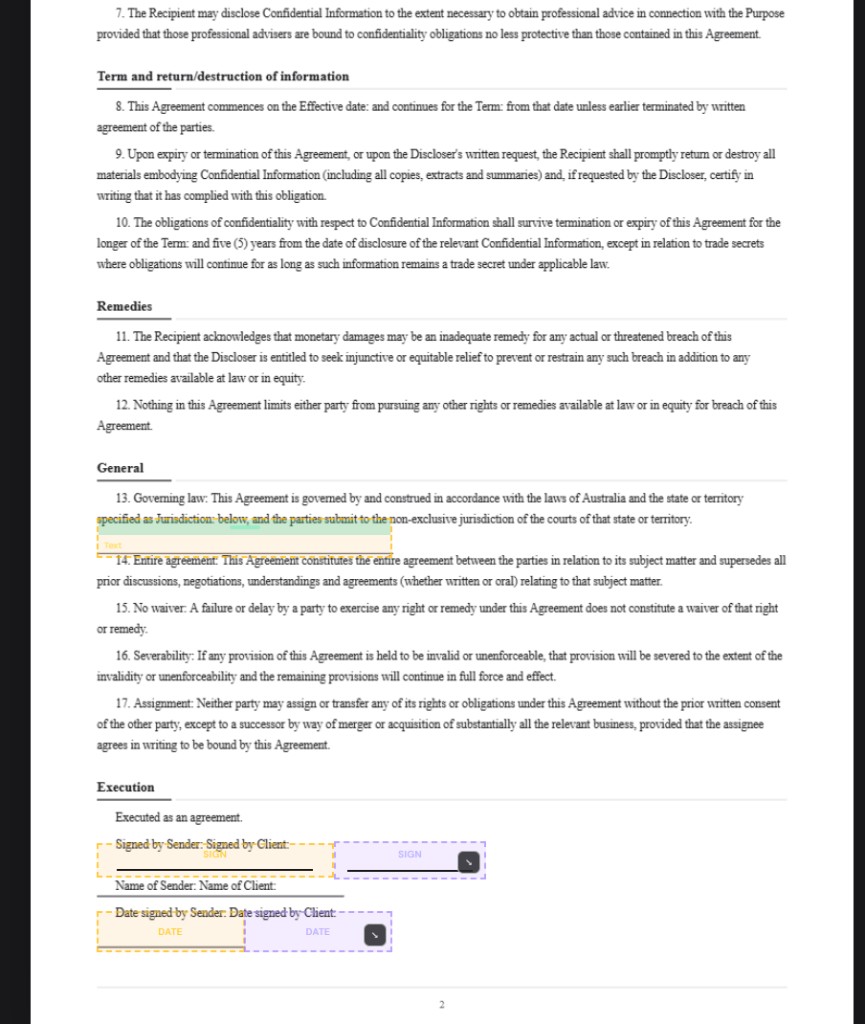
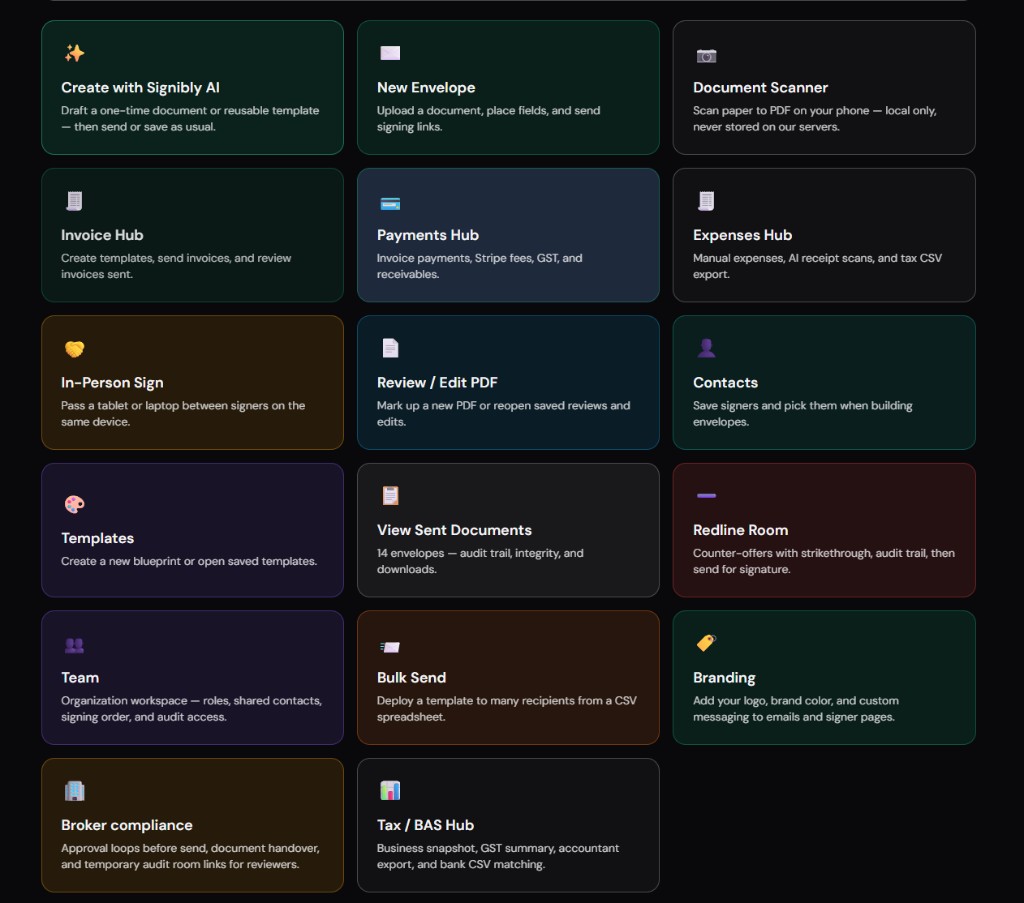
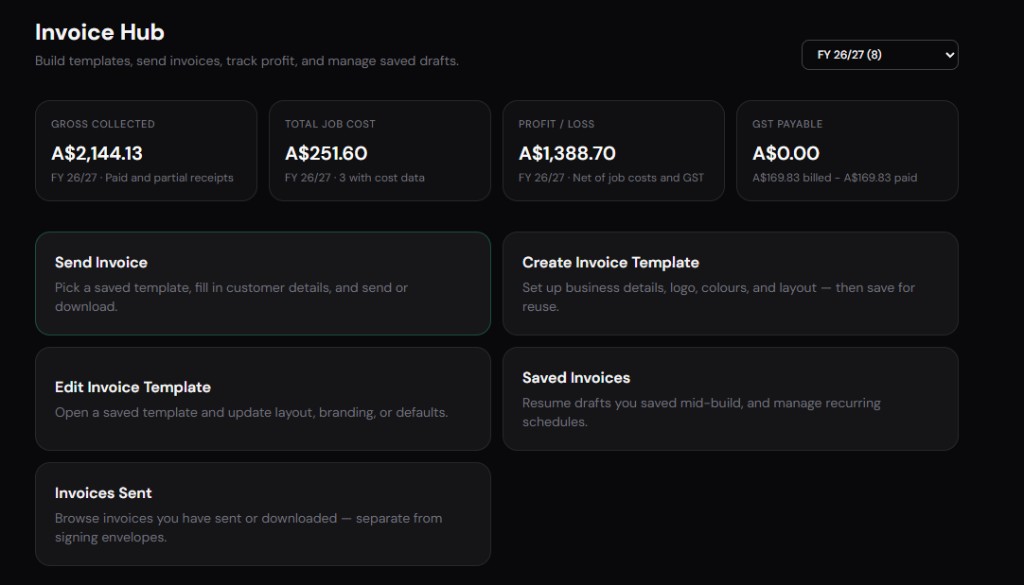
Businesses that sign PDF contracts and then invoice weekly may outgrow both tools alone. Signibly bundles e-signatures with Invoice Hub, Payments Hub, Expenses Hub, and Tax/BAS on Free ($0/mo — 3 envelopes, 1 manual invoice) and Business ($10/mo AUD, roughly $6.50 USD, unlimited envelopes and invoices under fair use, 50 AI receipt and invoice scans) — a different buying axis than choosing between Adobe and PandaDoc, but relevant when PDF contracts are just the start of client billing.
Which should you choose?
Choose PandaDoc if your PDF contracts emerge from interactive proposals — pricing tables, optional modules, CRM data, and analytics — and you want signing without exporting to a separate tool.
Choose Adobe Sign if your PDF contracts are final legal documents — authored or approved outside sales — and you want Acrobat-native routing, enterprise recognition, and integration with Adobe seats you may already pay for.
Consider Signibly Business at $10/mo AUD when signatures are one step in a longer client lifecycle that includes unlimited invoices under fair use, payment tracking, and expense receipts — especially if you would otherwise pay for Adobe Sign or PandaDoc plus separate invoicing software.
Run a pilot with one real deal: measure time from commercial terms agreed to signed PDF archived to first invoice sent. The platform that removes the most manual steps wins — not the one with the most familiar logo.
Adobe-centric teams should confirm whether existing Creative Cloud or Document Cloud entitlements already include Sign seats before adding PandaDoc for the same PDF — duplicate signing subscriptions are more common than finance realises until the card statement arrives.
PDF integrity and version control
Adobe Sign preserves PDF structure familiar to legal reviewers — annotations, redlines frozen into final versions, and certificate chains auditors recognise. When counsel insists the signed file byte-match their approved template, Adobe Sign's Acrobat lineage reduces back-and-forth.
PandaDoc versions live inside the platform first — excellent for sales iteration, sometimes awkward when legal demands a static PDF artifact identical to what they reviewed in Word. Establish whether the system of record is the PandaDoc link or the exported PDF before the first enterprise deal closes.
Version control failures show up at dispute time: two signers executed different drafts because someone edited after send. Both platforms offer controls; discipline and template permissions matter as much as software choice.
Counterparty experience on mobile
Mobile PDF signing is table stakes — clients sign on phones between meetings. Adobe Sign and PandaDoc both deliver competent mobile flows; PandaDoc adds proposal browsing before signature, which helps when clients review optional modules on a small screen.
Heavy PDFs with embedded fonts and large exhibits load slower on mobile data — test your actual contract pack, not a one-page demo NDA. Signer abandonment from slow loads hurts close rates regardless of vendor.
Branding differs: PandaDoc merchandises your sales brand throughout; Adobe Sign presents a familiar Adobe signing chrome. Choose based on whether the signing moment should feel like a proposal experience or a formal legal ceremony.
Sales and legal alignment checklist
Before standardising on either platform, run a joint session with sales and legal: list document types, who authors first draft, who approves final PDF, and where signed artifacts must land for audit. Misalignment here causes duplicate tools — PandaDoc for sales drafts and Adobe Sign for legal finals — which is valid but should be intentional, not accidental.
Define whether pricing negotiations happen inside the document platform or in email/CRM before a frozen PDF exists. PandaDoc supports live negotiation inside the proposal; Adobe Sign assumes negotiation finished before upload. Pick the workflow that matches reality, not the aspirational process on a whiteboard.
Payment collection timing matters: PandaDoc can collect deposits at sign; Adobe Sign may hand off to accounts receivable manually. If cash flow depends on deposit-at-sign, factor that into total cost even when Adobe Sign seats are cheaper.
Review annually: sales may outgrow proposal-led workflows and need more legal control, or legal may loosen templates when sales velocity suffers. The right platform in 2026 is not guaranteed to stay right after headcount doubles.
Cost scenarios for mixed sales and legal teams
Mixed teams sometimes pay for PandaDoc sales seats plus Adobe Sign legal seats — valid when workflows differ, expensive when duplication is accidental. Document which document types use which platform and whether exports between them create version errors.
A single Adobe Document Cloud ETLA may cover Sign for legal while sales uses PandaDoc — finance should see the combined line item, not two siloed subscriptions reviewed in separate budget meetings.
Consolidation to one signer plus one invoice hub often beats two premium signers — Signibly Business at $10/mo AUD covers signing and unlimited invoices under fair use when neither PandaDoc nor Adobe Sign alone solves post-signature billing.
Run a three-document pilot — one merchandised proposal, one legal PDF, one HR policy — and score admin minutes plus counterparty questions. The winner for PDF contracts is the tool that completes all three without workarounds, not the tool that excels at only one.
For combined signing and invoicing after PDF execution, compare Signibly Business at $10/mo AUD — unlimited envelopes and invoices under fair use with Invoice Hub and Tax/BAS — against the combined Adobe or PandaDoc plus accounting subscription total.
PandaDoc vs Adobe Sign for PDF contracts — who wins?
PandaDoc wins when the PDF starts as a sales proposal with pricing tables. Adobe Sign wins when the PDF is a final legal or ops document that only needs compliant signatures inside an Acrobat/Document Cloud workflow.
Is PandaDoc or Adobe Sign better for PDF contracts?
PandaDoc is better when the contract is built inside a sales proposal with pricing tables and optional items. Adobe Sign is better when the contract is a final PDF from legal or operations that only needs compliant signatures and audit trails.
Does Adobe Sign include proposal features?
No. Adobe Sign executes signatures on PDFs; it does not include PandaDoc-style proposal builders, interactive pricing tables, or sales engagement analytics. Use a CRM, CPQ, or PandaDoc upstream if you need those features.
Is PandaDoc cheaper than Adobe Sign?
Not always. PandaDoc per-seat fees reflect proposal tooling. Adobe Sign may be bundled with existing Adobe subscriptions, lowering marginal cost for teams already on Document Cloud. Compare total stack cost including any separate quoting or invoicing tools.
Can I use both PandaDoc and Adobe Sign?
Some enterprises do — PandaDoc for sales proposals and Adobe Sign for legal MSAs — but duplication adds cost and training overhead. Standardise on one signing system of record when possible.
Related
PandaDoc vs SignNow · PandaDoc pricing 2026 · Signibly vs PandaDoc · Signibly vs Adobe Sign · Pricing · Shelf-ware waste · Standalone tax · Hide unused features · Top 10 SMB software · FreshBooks vs Signibly · Track partial payments · DocuSign vs PandaDoc · AI document creation · SignWell vs DocuSign · Signaturely vs DocuSign · Dropbox Sign & invoicing · eSignLive vs DocuSign · AI vs template contracts · AI fillable PDF guide · Complete document workflow · PandaDoc vs DocuSign vs Signibly · Hidden cost of five business apps · Best AI contract generators · 50 business documents checklist · AI vs lawyers for contracts · Client onboarding guide · Build a paperless business · Switch to Signibly AI · Scan receipts & invoices · vs DocuSign · vs Xero · vs FreshBooks · vs QuickBooks · vs SignNow · vs Zoho Books · Cheaper DocuSign alternative · Replace multiple apps · All-in-one SMB software · Custom dashboards · All blog posts · All solutions · Compare vendors